Wedding photo bingo: a photo challenge for every table (free PDF)
Photo bingo is a challenge for a whole table: the card lists 16 photos to take on a phone — a selfie with someone from the other family, the whole table's shoes in one shot, a toast with the next table. The first table to complete a line shows its photos to the host.
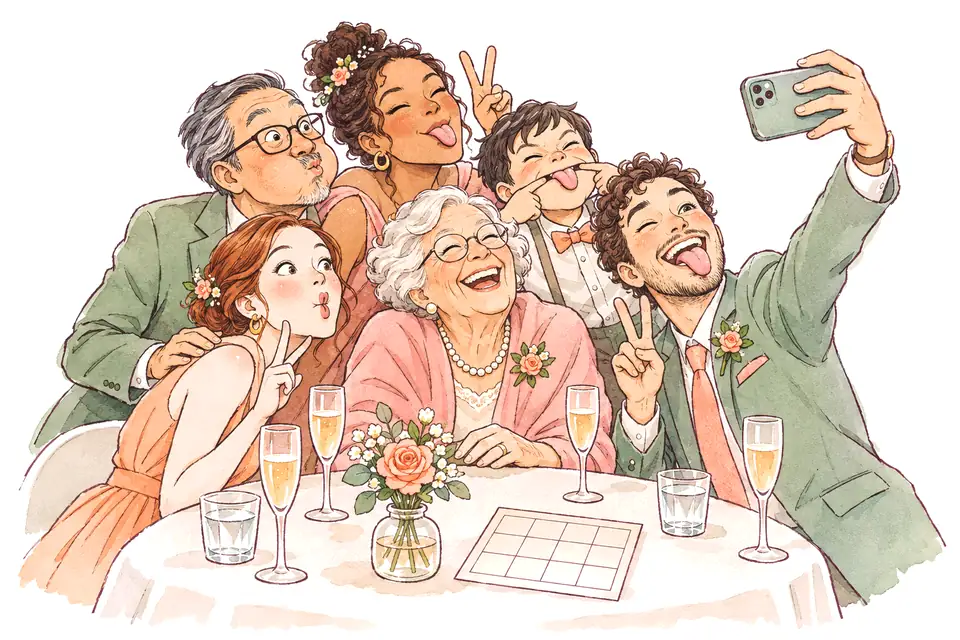
Along the way you get an album no photographer would ever take. All you need is a card on each table and a QR code for a shared album.
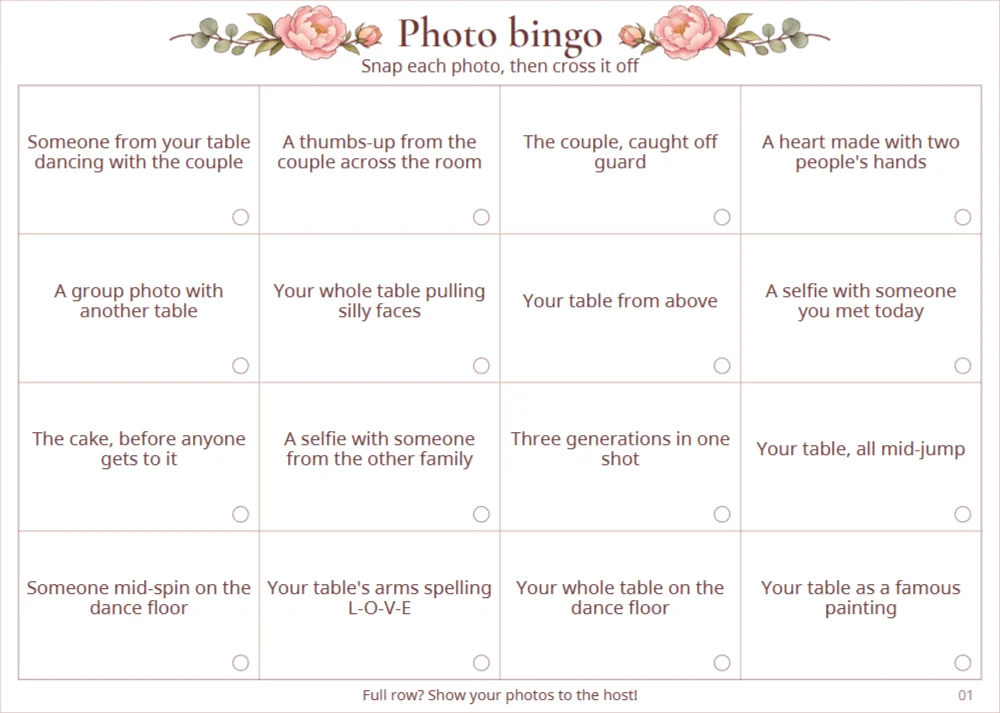
PDF · host notes + 10 cards · A4
Rules
- Each table gets one card. Pick someone to take the photos and cross off the squares.
- Upload the photos to a shared album (QR code on the table) or keep them on the phone.
- One photo counts for one square only.
- The first table with a full row, column or diagonal shows its photos to the host. Play on for a full card.
Notes for the host or DJ
Preparation: set up a shared album (for example in Google Photos or iCloud), print a QR code and put it on each table next to the card.
Announcement: “Every table has a photo bingo card. Snap the photos on it — first table to complete a line, come and find me with your phone.”
Checking: look through the winning table's photos. If the venue has a screen, show a few of the funniest.
Prizes: for the whole table — a bottle of something nice, first dibs on the cake or a table photo with the couple.
All 32 photo challenges
- Your whole table raising a glass
- A selfie with someone from the other family
- A photo with the couple
- The whole table's shoes in one shot
- Someone mid-spin on the dance floor
- A selfie with someone who gave a speech
- The cake, before anyone gets to it
- Your whole table pulling silly faces
- A photo with the DJ or band
- A heart made with two people's hands
- The guest who travelled furthest
- Your table's arms spelling L-O-V-E
- A thumbs-up from the couple across the room
- A photo with someone who shares your initial
- A toast with the next table
- Your table, all mid-jump
- Someone wearing the same colour as you
- Someone showing off their signature move
- Your table from above
- A close-up of the couple's rings
- Someone singing their heart out
- Three generations in one shot
- A group photo with another table
- Someone laughing until they cry
- A selfie with someone you met today
- Someone from your table dancing with the couple
- Your whole table on the dance floor
- A photo with someone from the wedding party
- The couple, caught off guard
- Your table as a band on an album cover
- Two guests recreating the first dance
- Your table as a famous painting
A game that brings families together
Photo bingo brings each table together. If you want guests to meet across tables too, make “Find someone who…” cards — with your names and a different card for every guest. You can download a sample card before you buy.
Create your cards